

USE 6800 manuals
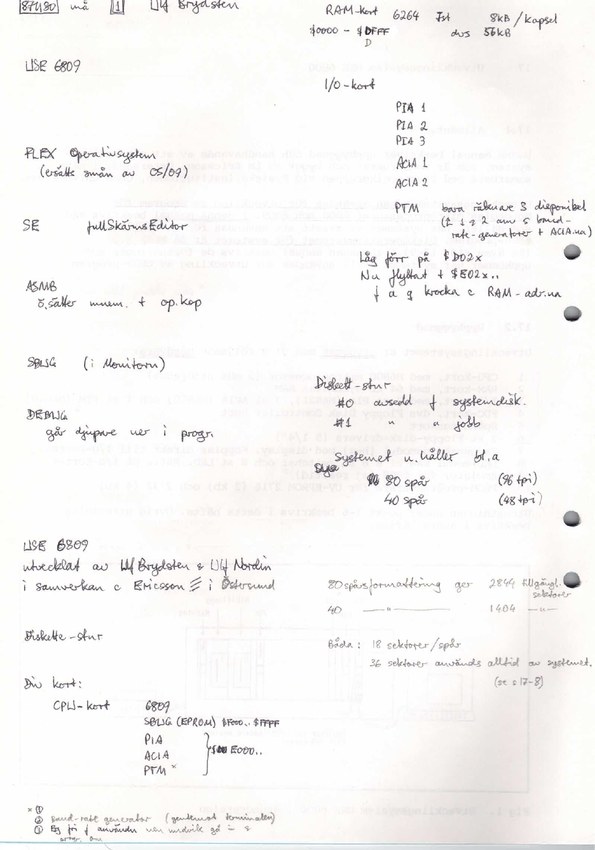
The manuals are part of Umeå University's Elektronik — Mikrodatorteknik course material, with cover sheets credited to Sverker Johansson. Some of the text is in Swedish, and some of the software documentation is in English. Several copies contain handwritten notes made by Håkan Joëlson when he was a student. These preserve much of the local 6809/FLEX09 information alongside the printed instructions. They deserve to be read as part of the documentation. There is also printed 6809 material: the screen editor booklet and the SBUG-E appendix and typed USE 6809 address sheet inside the annotated system manual.
I've put them in the order I'd use to get to know the machine, rather than booklet-number order: understand the hardware, get the terminal talking, learn FLEX, write some source, assemble it, and then work out why it caught fire. The two editor booklets describe different ways of writing the source, with the screen editor belonging to the 6809 setup. Where several scans exist, the links below distinguish the unannotated copy, the annotated copy and the two-page spreads. These are scans of the original documents, not translations. Click a thumbnail to open the PDF at that page.
Hardware and startup — Häfte 17: Utvecklingssystem USE 6800
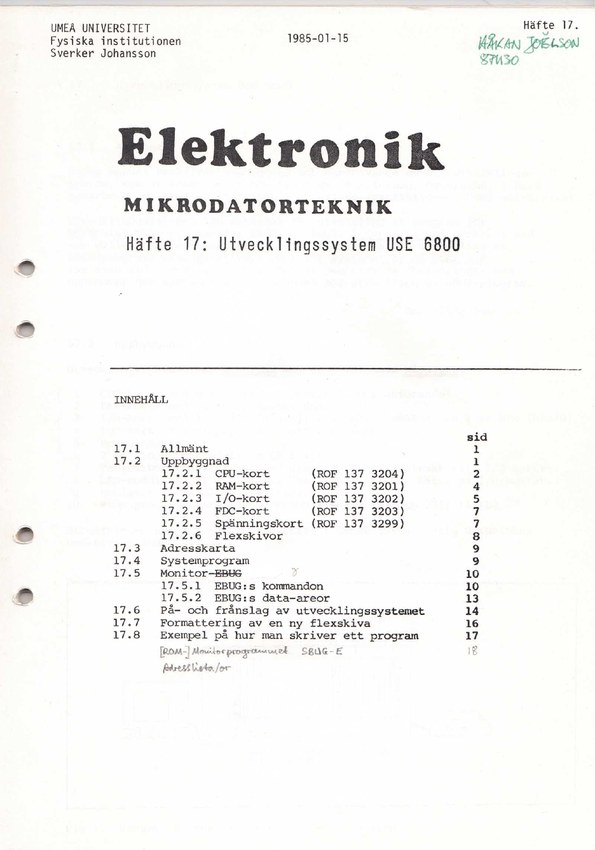
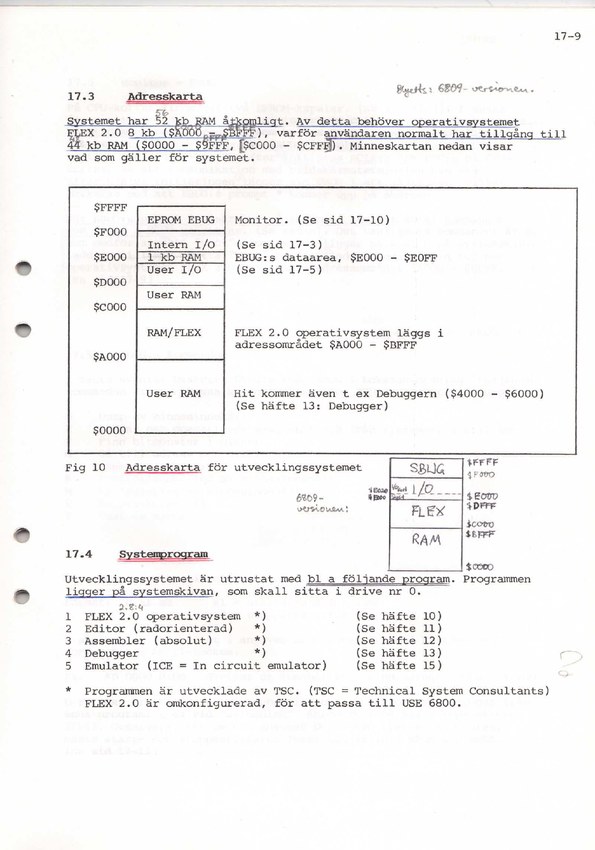
This is where I'd start. Before getting lost in the individual ICs, it helps to know how the people who used the machine were supposed to think about it. Sverker Johansson's system manual, dated January 15, 1985, walks through the CPU, RAM, I/O, floppy controller and power cards, then puts them together with an address map. It explains the EBUG monitor, how to start and stop the system, how to format a disk, and finally takes a small program through editing, assembly and execution. Quite a lot of useful information in one booklet :)
The printed core of the booklet describes the 6800 configuration running FLEX 2.0; the introduction says that the changes for 6809 development are described elsewhere. That matters when comparing it with the cards on the hardware page. For instance, it describes dynamic RAM, while the memory card in my scans has static HM6264s. It also explicitly lists an M6828 priority interrupt controller on the original CPU card, which is a welcome bit of support for the MB472 identification lead. The annotated copy goes considerably further: it includes handwritten USE 6809 notes and a revised memory map, followed by printed 6809 SBUG-E Monitor ROM Version 1.5 documentation and a typed USE 6809 address/vector sheet. The SBUG-E appendix begins at PDF page 46, and the local address sheet is at PDF page 62. Those make this copy particularly useful for understanding the upgraded machine. The generic SBUG-E text describes SWTPC hardware, so its board-specific details still need to be distinguished from the local USE 6809 notes.
Talking to the machine — Häfte 16: Manual för Heathkit-terminal (H-19A)
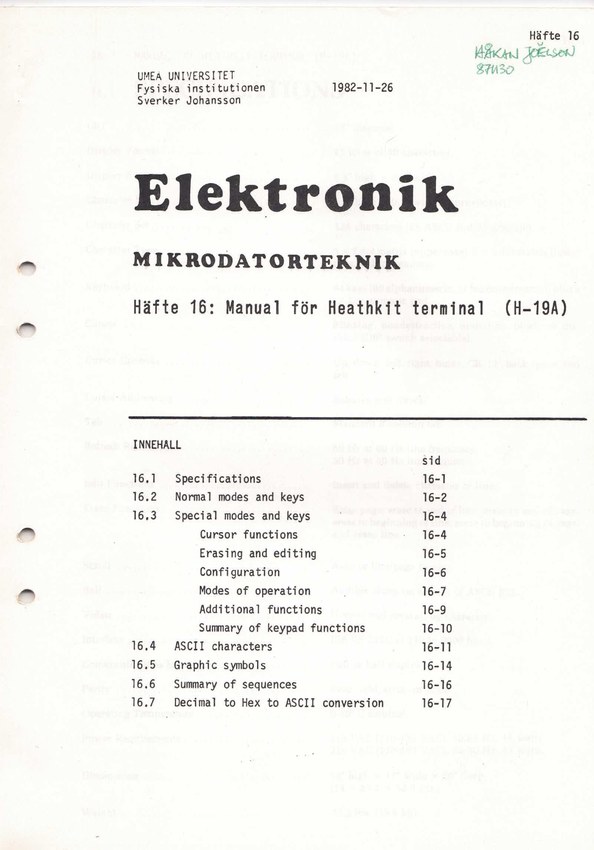
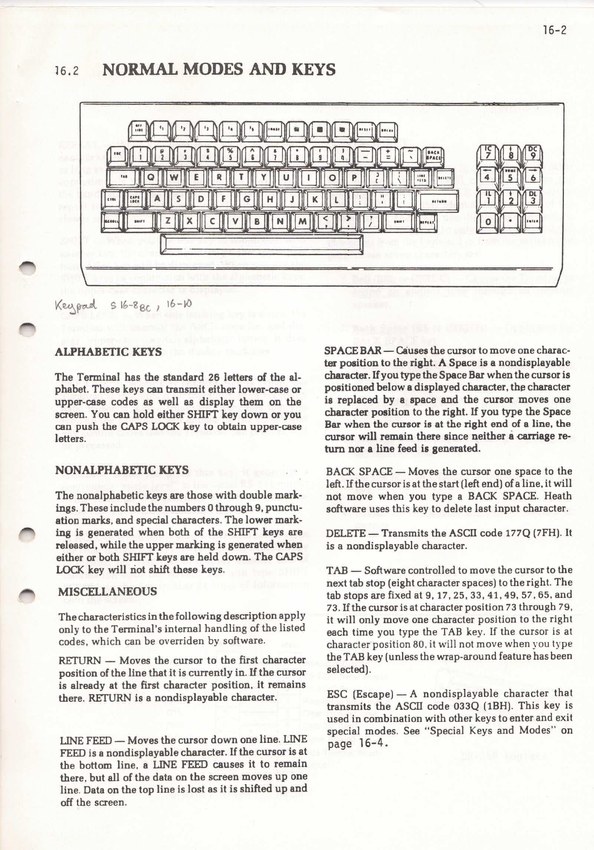
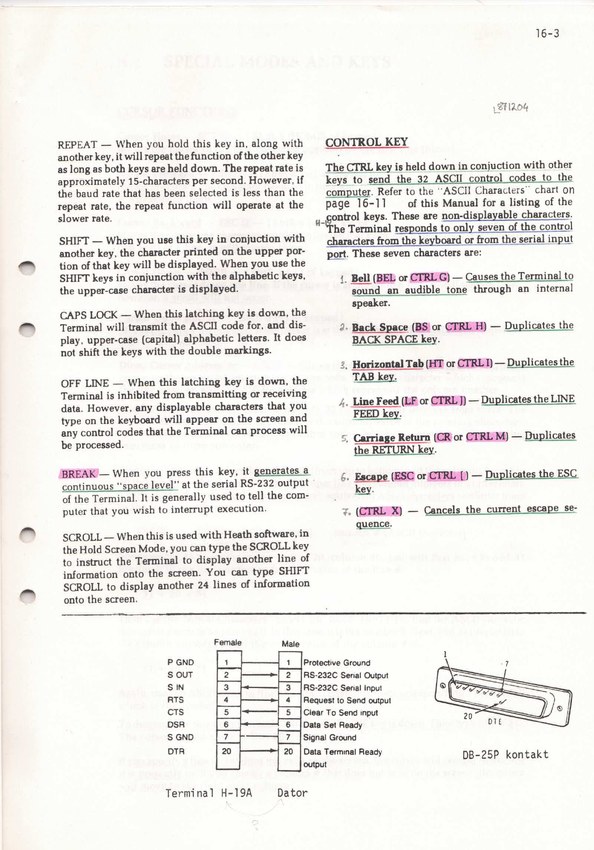
With the computer itself introduced, the next thing to get acquainted with is the terminal. The Heathkit is where the prompts, programs and error messages appear, and this booklet explains both its normal keyboard behaviour and the less obvious things it can do. There are sections on cursor movement, erasing and editing, configuration, operating modes and the keypad, followed by ASCII tables, graphic characters and a summary of control sequences.
This is a terminal reference rather than a USE 6800 programming manual. It becomes particularly useful when a program wants to move the cursor or redraw the screen instead of just printing another line. I'd keep it nearby for the screen editor below; knowing what the H-19 expects should save a fair amount of staring at a screen that isn't doing quite what I intended.
Finding your way around the disks — Häfte 10: The FLEX Operating System
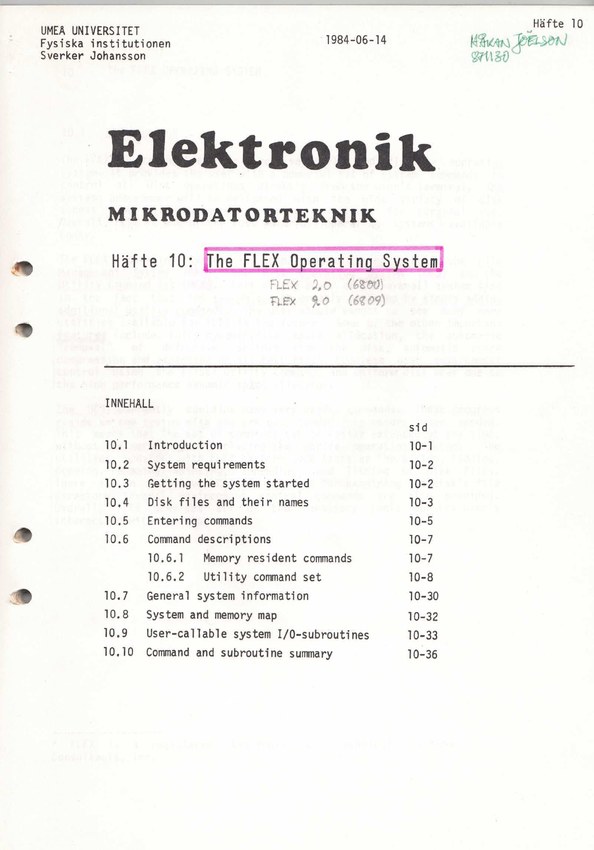
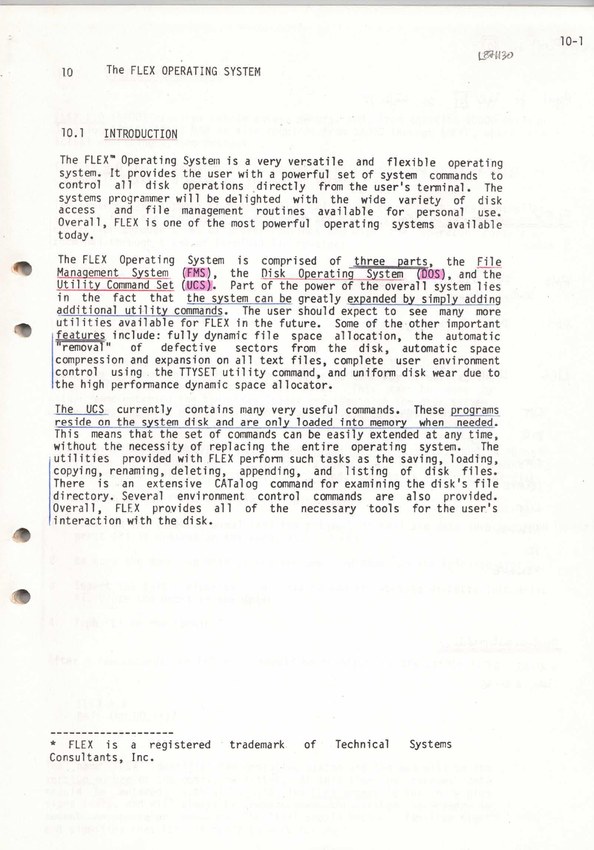
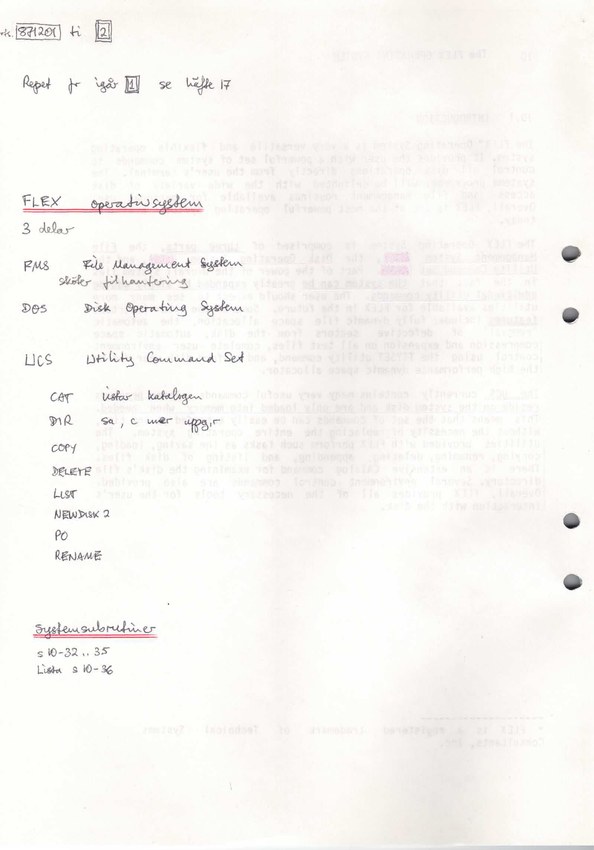
Once EBUG has handed over to FLEX, this is the next manual to reach for. It introduces the operating system, getting it started, disk files and their names, and how commands are entered. From there it works through the resident commands and disk utilities, including the everyday business of listing, copying, renaming and deleting files. This is the bit to read before trying to make sense of a system disk full of unfamiliar names.
The later sections go beyond using the command prompt: they cover the system and memory map and the system I/O routines available to programs. Those should be useful when moving from running existing tools to writing something that uses FLEX itself. The cover annotations distinguish FLEX 2.0 for the 6800 from FLEX 9.0 for the 6809. Much of the local 6809/FLEX09 detail in this collection is preserved in handwritten additions to shared or 6800-oriented material, rather than in a separate complete FLEX09 manual. That makes the annotated copies important technical sources, not just interesting scribbles. I've linked both the individual-page scan and the two-page spreads, depending on whether reading the text or seeing the original layout is more useful.
Annotated scan · Annotated scan (two-page spreads)
Writing the source — Häfte 11: TSC 6800 Text Editing System
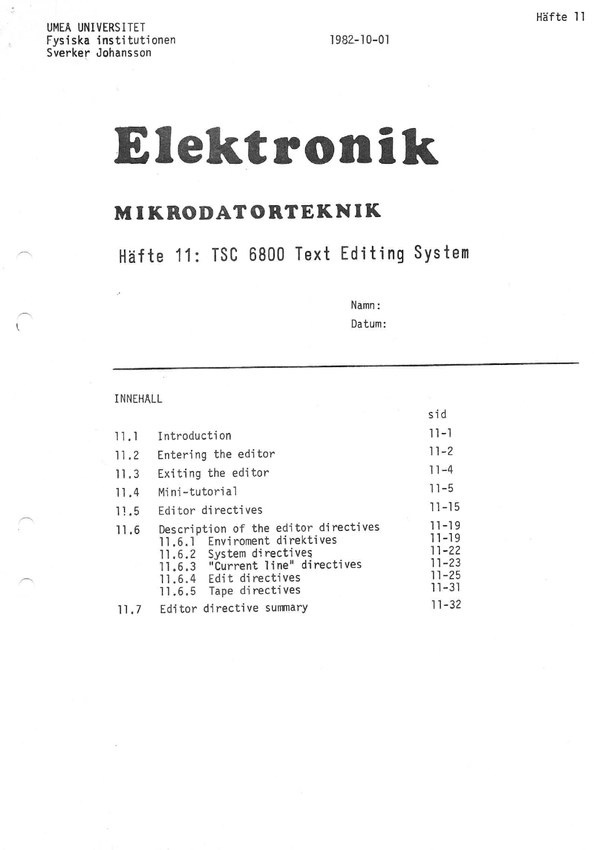
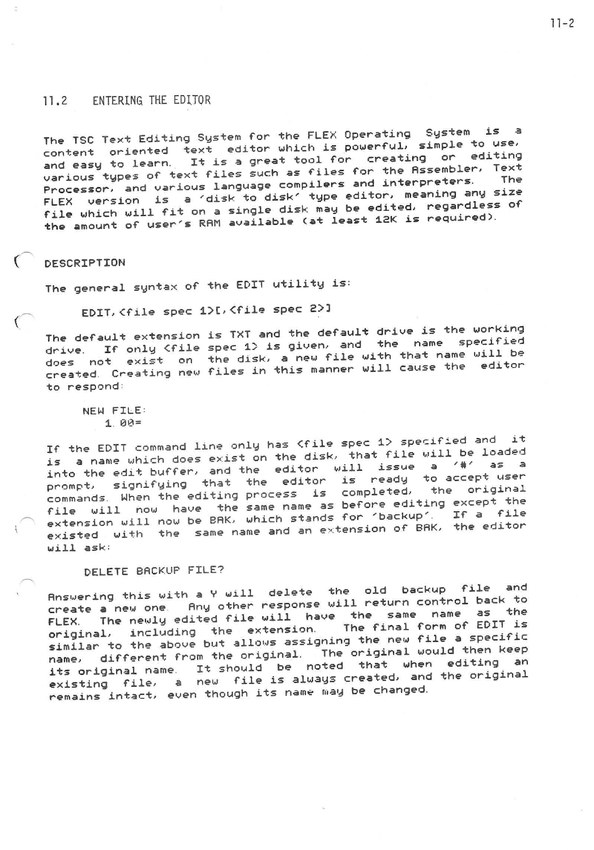
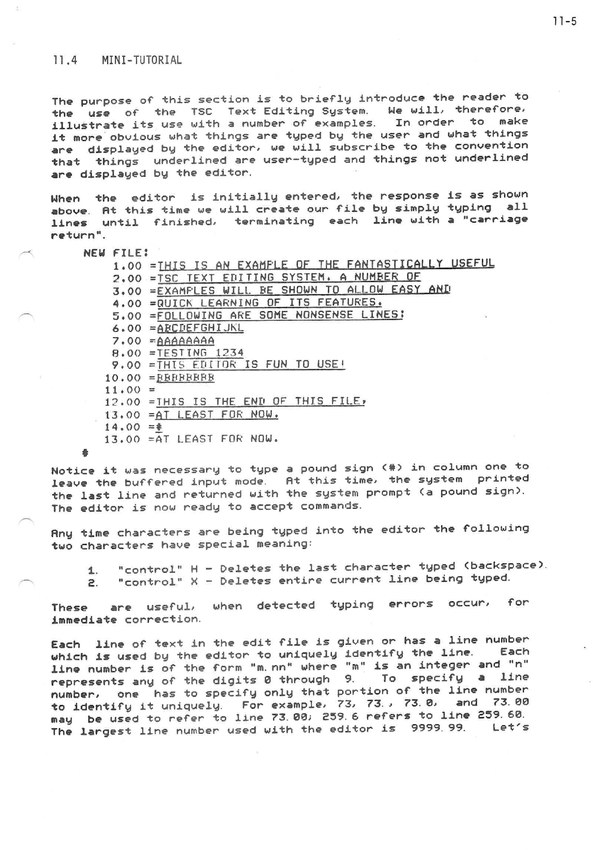
Before assembling a program, we need some source text. This booklet describes TSC's line-oriented editor, starting with entering and leaving it, then a mini-tutorial, and finally the individual editing directives and a command summary. It is the editor used in the worked programming example in the system manual, so the two make a sensible pair to read together.
Rather than treating the screen as a page to move around in, this editor works through commands and a current line. The manual groups its directives into environment, system, current-line and editing operations, with tape-related directives as well. A different way of working from a modern editor, and probably something I'll want the tutorial open beside me for the first few times.
A screenful of source — Häfte 19: Skärmeditor (6809)
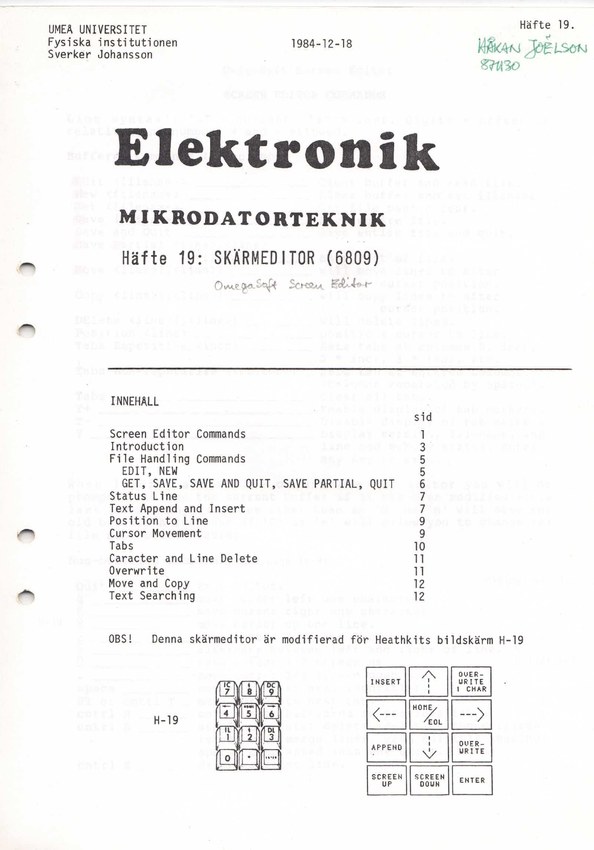
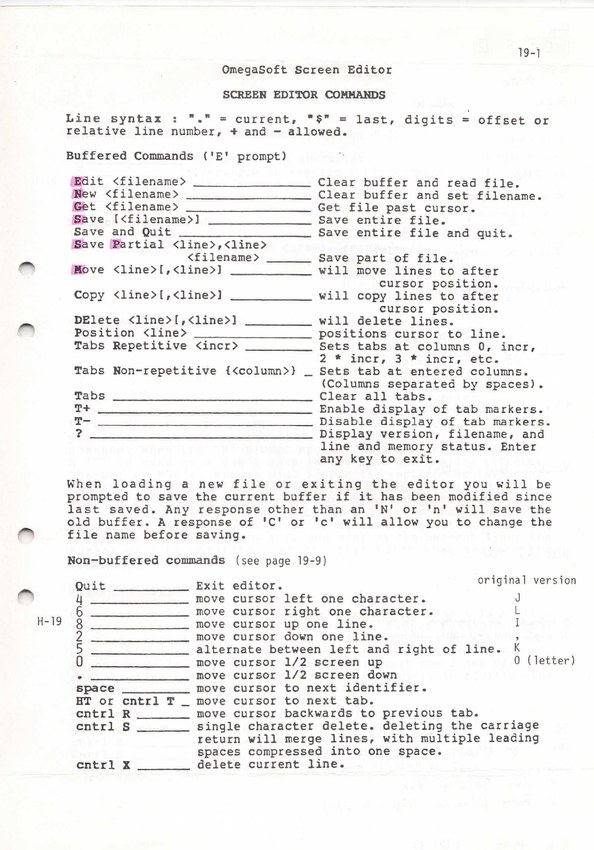
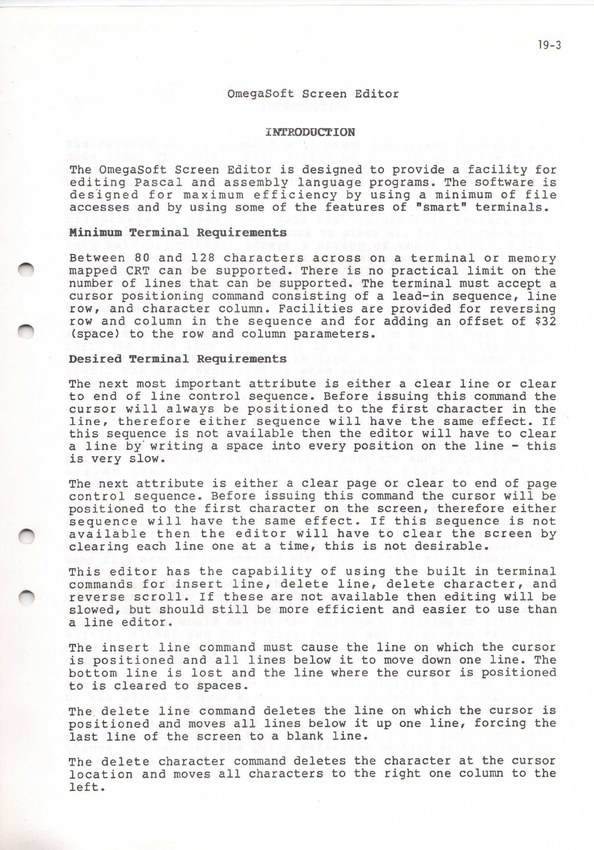
This is the alternative for the 6809 setup: a screen editor whose cover has been annotated as the OmegaSoft Screen Editor. The printed introduction to the booklet specifically says that it has been modified for the Heathkit H-19, and includes a diagram showing the keypad assignments. Suddenly keeping the terminal manual within reach seems like a very good idea.
The contents cover opening and saving files, the status line, inserting and appending text, positioning by line, cursor movement, tabs, deletion, overwriting, moving and copying, and searching. I'd read this alongside the older editor booklet as a second route to the same goal: creating the source file that the assembler will consume. It documents the 6809 editing environment, rather than establishing that the same editor was available in the original 6800 setup.
Turning text into a program — Häfte 12: TSC 6800 Mnemonic Assembler
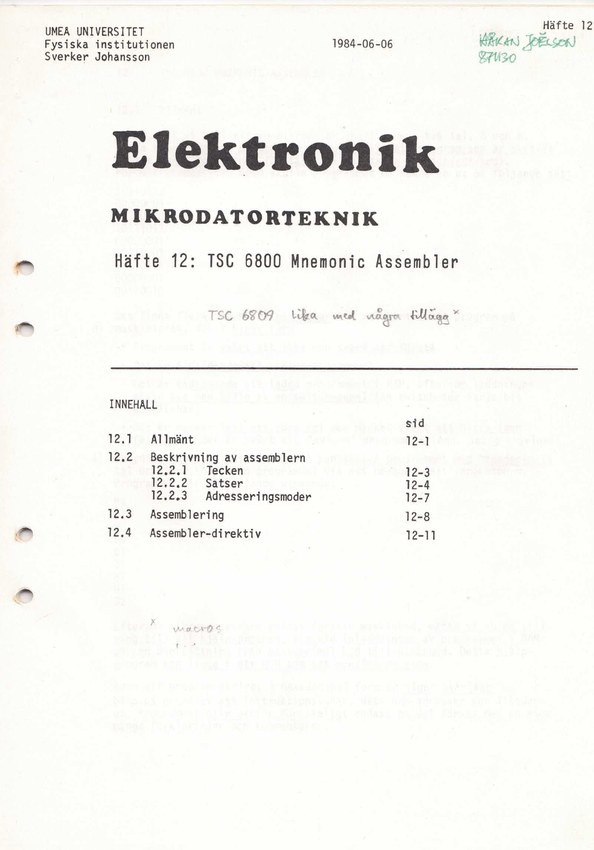
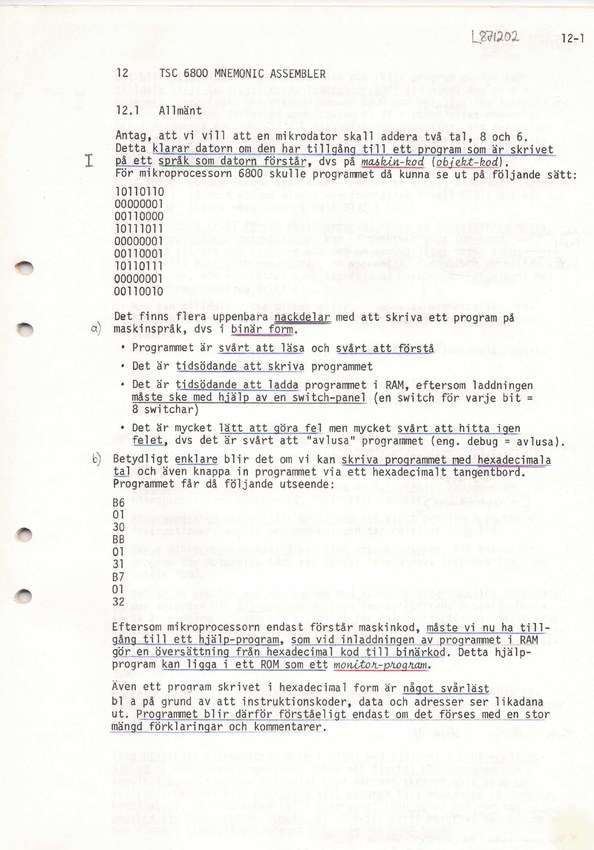
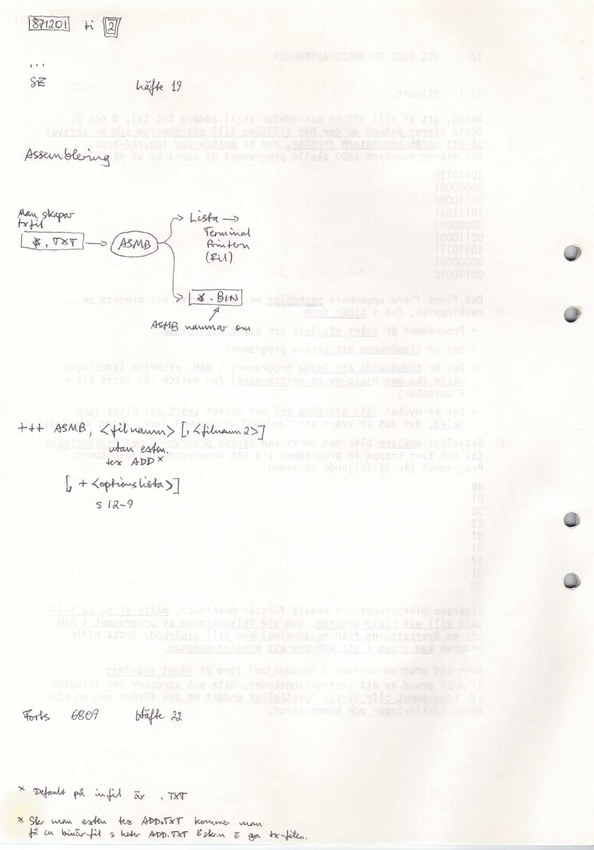
Now the source file can become something the CPU understands. This Swedish booklet starts with the reason for using assembly language at all, comparing a small addition program in binary and hexadecimal form before introducing the more readable notation. It then covers characters, statements and addressing modes, followed by the assembly process and assembler directives. This is a much gentler starting point than dropping straight into a list of instruction opcodes.
Read it after either editor manual, then return to the end-to-end example in Häfte 17 to see how the pieces fit together. The handwritten cover note says that the 6809 assembler is similar with some additions; I'd treat that as guidance from the original user, while keeping the printed booklet's 6800 scope in mind. There are both unannotated and annotated scans here, plus the annotated two-page spreads.
Scan · Annotated scan · Annotated scan (two-page spreads)
Finding out why it went wrong — Häfte 13: TSC 6800 Debug Package
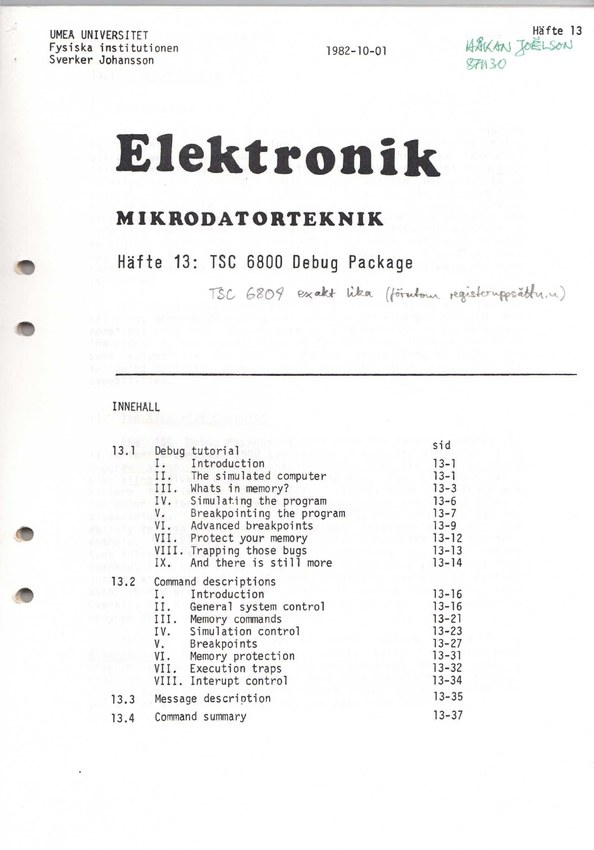
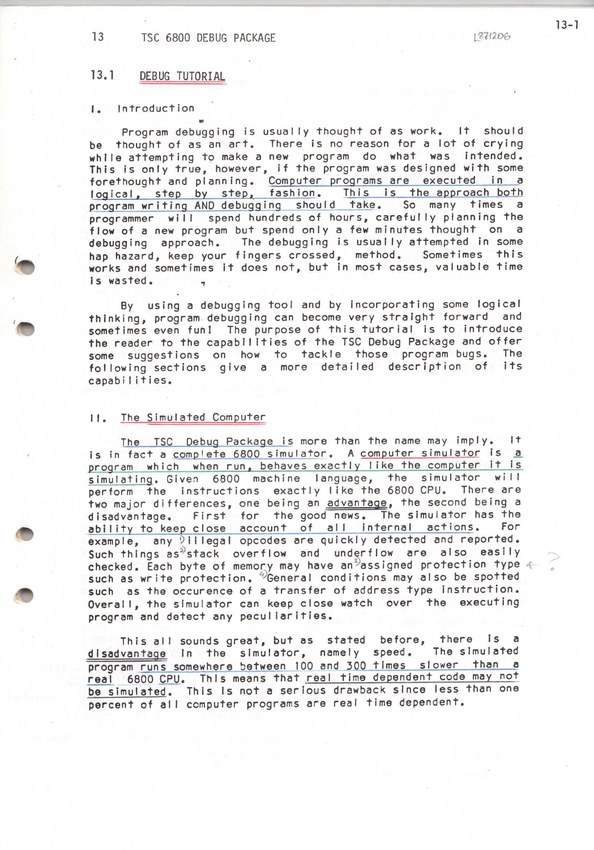
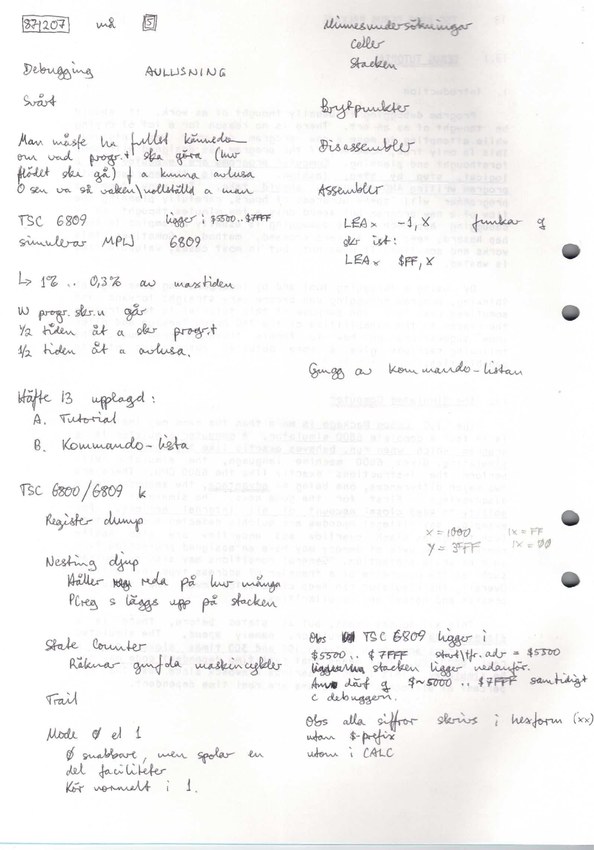
And when the program assembles successfully but still does something completely different from what I had in mind, there's the debugger. This booklet begins with a tutorial built around a simulated computer: examining memory, simulating a program, setting breakpoints, protecting memory and trapping errors. It then becomes a reference for system control, memory commands, simulation, breakpoints, protection, execution traps and interrupt control, with messages and a command summary at the end.
I'd leave this until after getting a small program through the editor and assembler, so there is something concrete to investigate. It is also worth distinguishing this package from the EBUG ROM monitor in the hardware booklet; both let you investigate the machine, but they belong at different points in the workflow. A handwritten note on the cover says that the 6809 version works the same way apart from the register set. The annotations are part of what makes these copies interesting: they preserve some of how the tools were actually learned and used.
Annotated scan · Annotated scan (two-page spreads)
FLEX programmer references
For the disk format, binary load records and system interfaces, I've also saved TSC's 6809 Advanced Programmer's Guide (apg09.pdf) and 6800 Advanced Programmer's Manual (apg.pdf). These are additional reference manuals, separate from the university booklets above. The disk investigation and its recovery downloads are described in Reading the USE 6800 floppy disk.